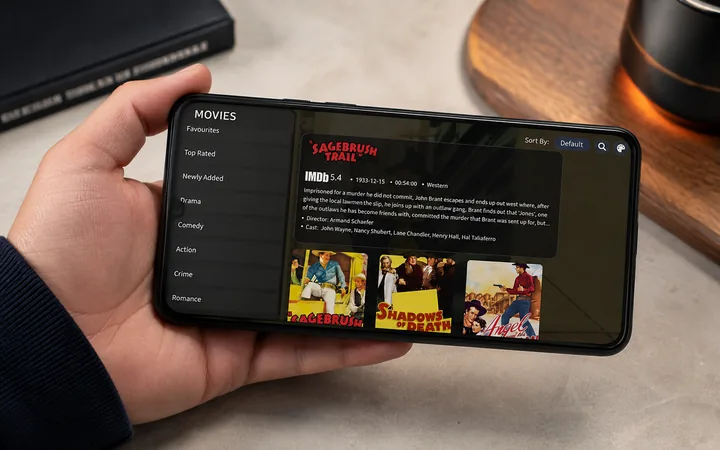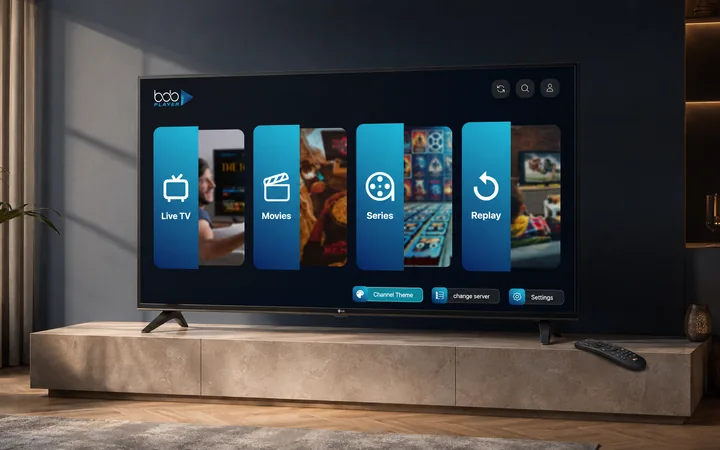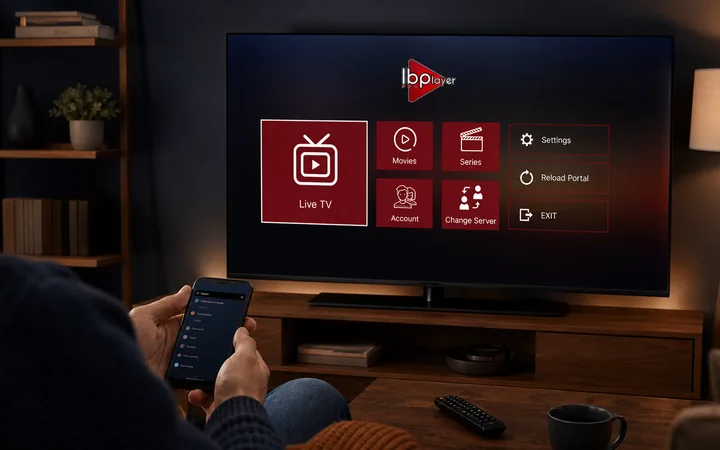
IBO Player IPTV Setup Guide for Windows, Mac, Linux, Android and Smart Telly
Download IBO Player for Android, Windows, Mac and Linux, then connect it to your TellyPal login details on one device.
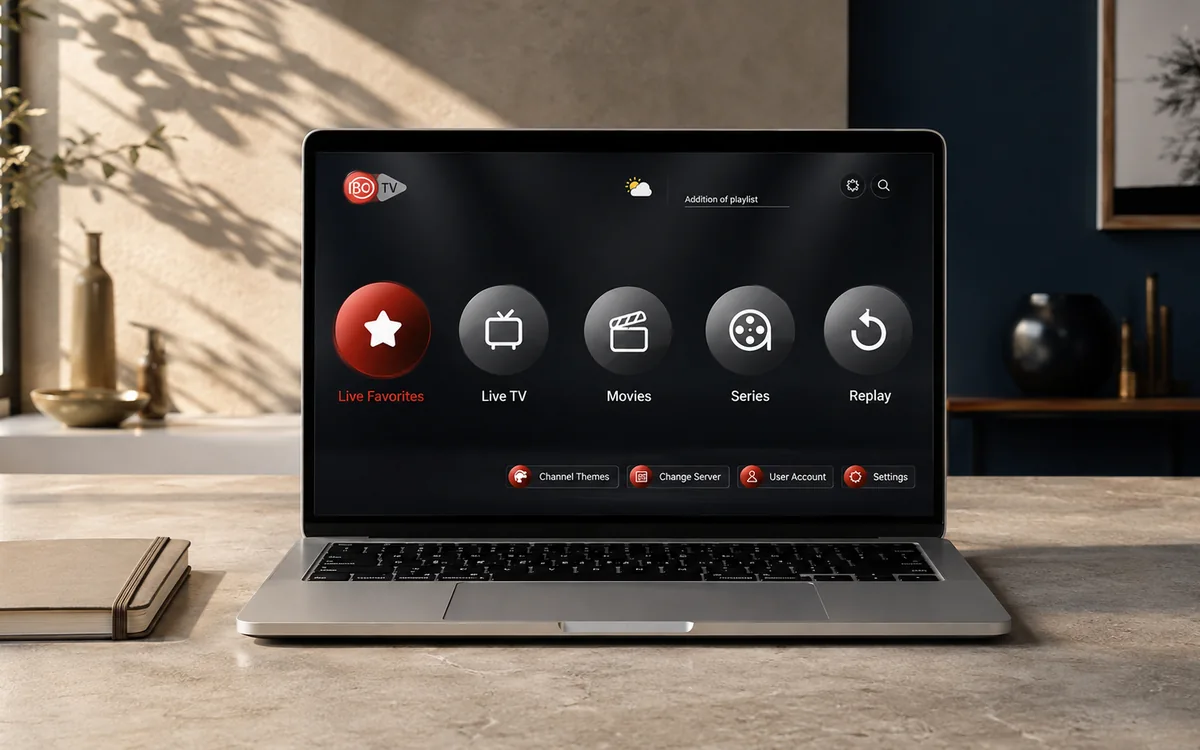
Check TellyPal on your own telly before paying.
Start a free 24-hour trial with no card. Check your channels, supported player and device, then read the current plans and activation terms.
IBO Player is the classic route we recommend for Windows, Mac, Linux, Android and some smart-telly setups. It is a third-party media player, not made by TellyPal, and it does not include channels or subscriptions by itself.
The official IBO Player downloads page provides direct routes for Android APK, Windows installer, Mac DMG and Linux snap. Use these first when your device supports them.
App and account note
TellyPal does not have its own app. We send you IPTV login details that work in most IPTV player apps. For testing, we normally recommend IBO Player Pro, IBO Player, or BOB Player first because they are the cleanest routes for most screens.
A standard TellyPal account serves one device only. If you need TellyPal on another device, ask the TellyPal team on WhatsApp about a second account or bundle account before you pay.
Official download paths
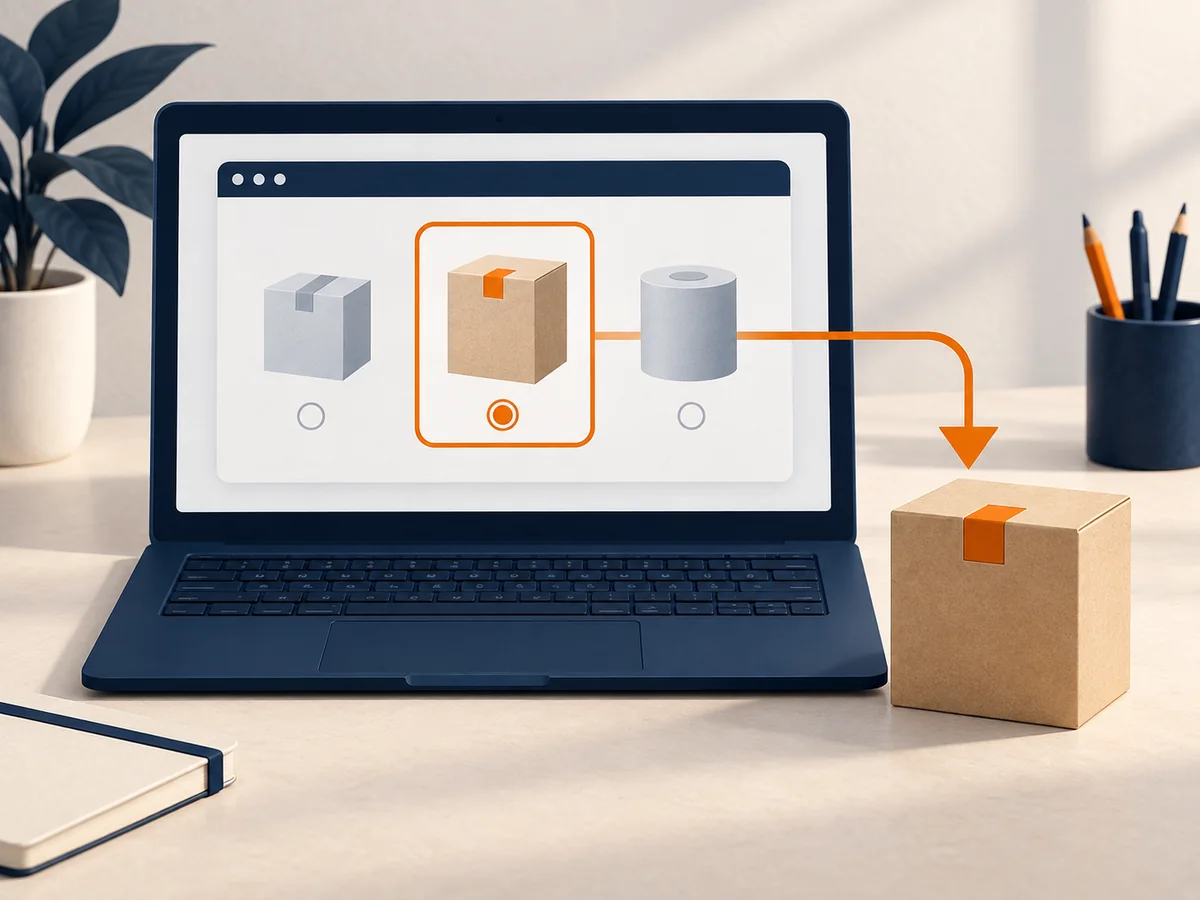
| Device | Download route |
|---|---|
| Android / Android box | Official Android APK from iboplayer.com |
| Windows 10+ | Official Windows installer from iboplayer.com |
| Mac | Official Mac DMG from iboplayer.com |
| Linux | Official snap package from iboplayer.com |
| Smart telly | Search the telly app store first, then use BOB or IBO Player Pro if needed |
Android and Firestick
- Try the official IBO Player Android APK from iboplayer.com/downloads.
- On Firestick, use Downloader and enter the APK link if support sends it to you.
- If the official route is awkward, use ibo.al as the backup directory. The IBO Player backup code shown there is 1171959.
- Open IBO Player and send the MAC/device details to TellyPal if you want us to load the playlist.
Windows
- Download the Windows installer from iboplayer.com/downloads.
- Run the installer on Windows 10 or newer.
- Open IBO Player.
- Send the MAC address/device key or playlist login screen to WhatsApp support.
- Test the standard account on this device before adding other screens.
Mac
- Download the Mac DMG from iboplayer.com/downloads.
- Open the DMG and move IBO Player into Applications if prompted.
- Open the app and send the device details to TellyPal support.
Linux
- Download the Linux snap package from iboplayer.com/downloads.
- In the folder where the file was saved, run:
sudo snap install --dangerous ibo-player1.0.0amd64.snap
- Open IBO Player and send the device details to support.
Samsung and LG smart telly
Search the app store on the telly for IBO Player first. If the app is not available or does not behave well on that model, we normally test BOB Player or IBO Player Pro next.
Official source notes
Use iboplayer.com/downloads for the desktop and Android files. Use ibo.al only as a backup app/code directory when the main route is not available on the device.