
A live programme
Write down the fixture or programme and the time it is shown. Check availability for your location before arranging your evening around it.


TellyPal is an IPTV service (Internet Protocol Television) for Ireland, the UK and English-speaking homes. Check your Firestick, Fire TV, Roku, Apple TV or Smart TV, then request a free trial for 24 hours with no card before choosing a plan.









Choose live TV channels, live sport or on-demand movies and series you would usually watch and see how our IPTV service plays on the Smart TV or Firestick you already use. That is a better test than a long list of features.
See what's onTest live TV channels, live sport, international channels and on-demand movies and series over your own internet connection before choosing a plan. Choose the UK or Ireland edition for local broadband and TV guidance, or tell us your country and device if you watch elsewhere.
Compare the parts of your TV bill that would change and keep your broadband on a separate line.
| What changes | Separate subscriptionsMore places to manage | With TellyPalOne place for your telly |
|---|---|---|
| What you watch | Sport, films and kids’ shows spread across different services. | Live sport, films, box sets and kids’ telly together. |
| Finding a show | Switch between apps to find what you want. | Browse one catalogue. |
| Your logins | A separate login for each service. | One TellyPal login. |
| Your payments | Separate recurring subscriptions to keep track of. | Your chosen term and required activation are shown before you pay. |
| Plan options | Check the end date and total on each quote. | Choose a month, six months, one year or five years. |
| Getting set up | Set up each service separately. | Get setup help on WhatsApp. |
Write down the fixture or programme and the time it is shown. Check availability for your location before arranging your evening around it.





Pick a title you know and use it to test search, subtitles and playback on your TV.
 RTÉ One
 BBC One
 ITV1
 Virgin Media One
 Channel 4
Make a short list of the channels and regional editions you watch. Ask us to check anything you would miss if you changed your setup.
Disney+
 Kids
Cartoons
Family
RTÉjr
CBeebies
Try the player controls your household uses, including any parental settings available on that app.
Match of the Day
Fair City
Coronation Street
Gogglebox
Ask whether the programme you want can be watched later. Check how the guide and replay work on your player.
 The match, in 4K
Try your normal picture and sound settings. Quality depends on the programme, player, TV and connection.
Read the terms. Check the independent reviews, including the awkward ones. Ask us anything that matters. Then test the full service for 24 hours with no card.
Tell us how to reply and whether you have a TV, box or stick you want to try. The form does not ask for a card.
We review the request and use the details you provide to reply about your setup.
 Amazon Firestick
 Android / Android TV
 iPhone / iPad
 Roku
 Samsung TV
 LG TV
TCL TV
 Formuler Z
MAG box
 Satellite receivers
Find the model and the app store on the device. If the player is missing, ask before buying an alternative.
Include the model and error text if you need help. Leave passwords, device keys and playlist links out of public screenshots.
Tell us which country you watch from and name the programme or channel you want to check.
Check search, subtitles and returning to the player after switching the TV input.
The listed price covers one account, with one device playing at a time. Ask about your setup if two screens need to play together.
Repeat your test when other people are using the connection. If playback changes, make a note of the time and connection method.
Follow the instructions for the exact app you installed. The team can help you check which details that player needs.
Look up the exact model before buying another device. Test on the screen you use most, with the remote you normally use.
Choose a title or channel you know. Check that you can find it quickly, change audio if needed and get back to the menu.
Use the catalogue to explore. Confirm a particular title or channel for your viewing location before you decide.
Pick an episode you have seen before so you can concentrate on the picture, sound and controls.
Pick a category to explore. For a title you have in mind, check the listing and confirm availability before you choose a plan.
Check the sport and fixture you want to watch.

Look for an adventure to try on the big screen.

Find a comedy to test picture and sound together.

Choose a story you can settle into for the evening.

Try a thriller and check how the picture looks in darker scenes.

Browse science fiction and check your subtitle settings.

Explore a family title and try the player controls together.

Pick a subject you want to spend an evening with.

Search for the exact series and season you want to try.

Try a music programme with the speakers you usually use.

Confirm the region and time of a news programme before you watch.
Find an old favourite to check playback and search.

These are Black Friday prices; when the offer ends they return to normal (6 months €70, Yearly €100, 24 months €180 and Lifetime €300). Check your screen and a programme you care about, then pick a term if the setup suits you. The trial request does not take a card.
A shorter commitment. More nights in.
One account. One device playing at a time.
€15 if we activate your player. €78 initial total. No activation charge with your own working player.
A full year of evenings, sorted.
One account. One device playing at a time.
€15 if we activate your player. €95 initial total. No activation charge with your own working player.
Two years. One upfront payment.
One account. One device playing at a time.
Player activation included.
Six years of guaranteed service.
One account. One device playing at a time.
Player activation included.
Each plan covers one account and one device playing at a time. Buy three of any one plan and save 40% on the total if two rooms watch together.
Initial player activation is included on the 24-month and Lifetime plans; the six-month and yearly plans add €15 per player only when needed. Tell us the model and any player you already use so we can check the setup with you.
Lifetime is the six-year guaranteed option. Compare the full payment and term, then send an enquiry if you want to go ahead.
Include the device, programme or plan you have in mind. We will use the details you provide to reply.
Have a specific setup in mind?
Read our frequently asked questions about IPTV, or tell us your Smart TV or Firestick model and what you would like to watch.
Chat on WhatsAppFind a checklist for the screen, broadband or plan you want to try.
Every setup, sport, saving and straight-answer guide, moving one by one. Pause anywhere and open the article you need.
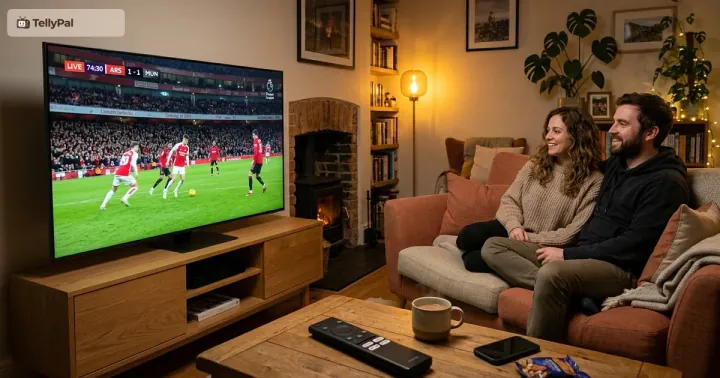 Guide
A plain guide to following football on the TV you already own: which service carries each competition, how to check your player, and how a no-card TellyPal trial works first.
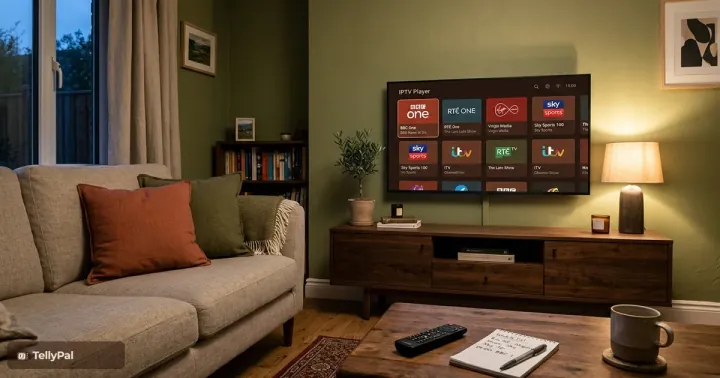 Guide
Use three short viewing tests to decide whether an IPTV setup works for you. Check your player, a familiar programme and playback at your usual viewing time.
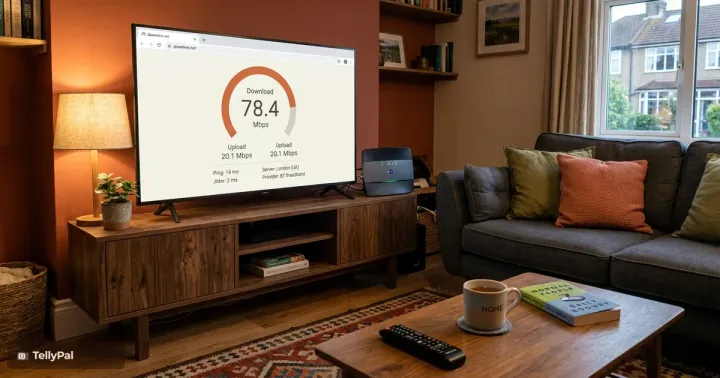 Guide
Measure at your TV, repeat at your usual viewing time and compare Wi-Fi with a wired test. See how to distinguish connection trouble from a player problem.
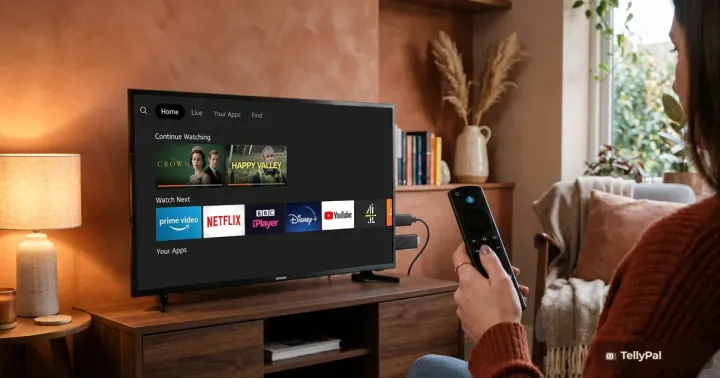 Guide
Identify your Fire TV model, find the exact player listing and test the remote and playback before you pay for an app or a TellyPal plan.
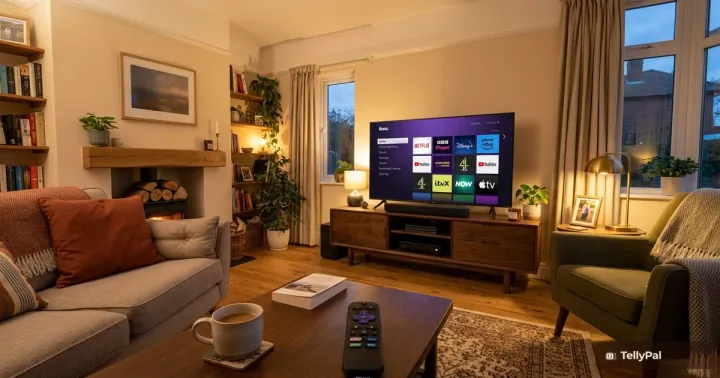 Guide
Use Roku’s Streaming Store to check the exact app, its price and its availability on your device. Test search and playback before choosing a plan.
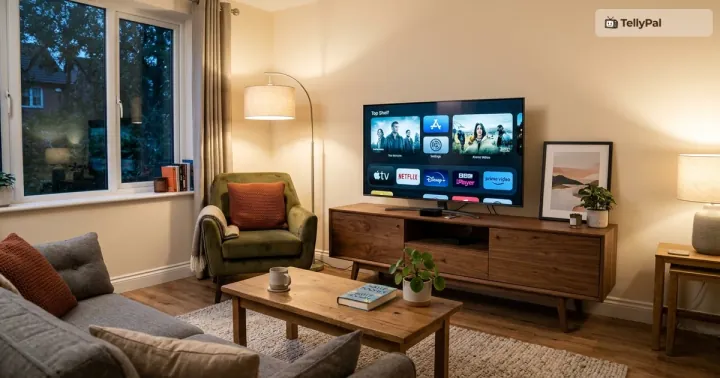 Guide
Find the exact Apple TV model, check the app listing on the box and test audio, subtitles and playback before you choose a TellyPal plan.

Your request goes to the TellyPal team. We will reply using the details you provide.
Chat with the TellyPal teamLIVE
 20:00
 21:00
 LIVE
NEW
Catch-up